Children can start learning to code long before they can read, because early programming isn’t about typing. It comes down to four ideas: putting steps in order (sequencing), finding and fixing the step that went wrong (debugging), repeating steps (loops), and giving a group of steps a name so you can reuse it (functions). All four can be practiced with arrows, toys and your own body, and later with picture-based apps that speak their instructions.
What coding means at 3 to 6
For a preschooler, a program is a row of instructions that something follows exactly: a toy, a robot, a grown-up pretending to be one. The thinking is the same as in real programming, just with arrows instead of words.
| Idea | What it is | What it looks like at home |
|---|---|---|
| Sequencing | Steps in the right order | “Forward, forward, turn” gets the toy car to the sofa |
| Debugging | Finding the step that went wrong | “It turned too early. Which arrow was it?” |
| Loops | Repeating steps a number of times | “Hop, hop, clap, three times” |
| Functions | A named group of steps, reused | “Do the wiggle” means jump, spin, clap |
| Perspective | Left and right as the robot sees it | Standing behind the toy to work out its left |
Conditionals (“if there’s a wall, turn”) are much harder at this age, and it’s fine to leave them for later.
There is some early research on sequencing in particular. In one study, pre-kindergarten and kindergarten children who took part in a one-week robot programming workshop scored higher on a picture-story sequencing task afterward than before (Kazakoff, Sullivan & Bers, 2013), and Bers and colleagues (2014) report the same kind of gain in kindergarten. That’s a skill that matters well beyond computers: retelling a story, following a recipe, getting dressed.
Screen-free coding activities
You don’t need any special kit. Masking tape, paper arrows and a favorite toy go a long way.
- Be the robot. Your child gives the commands (“forward, forward, jump”) and you follow them exactly, no more and no less. Walk into the wall if that’s what the program says. Then swap roles.
- Arrow cards on a grid. Tape a grid of squares on the floor, or use floor tiles. Put a toy at one end and a “charger” (a cushion, a snack) at the other. Your child lays a row of arrow cards first, then you run the program together, one card per square.
- Plan, then run. The key habit: lay out all the cards before the toy moves. Running one step at a time and changing your mind as you go is fine at first, but planning ahead is the real skill.
- Find the bug. Lay out a program with one wrong arrow on purpose. Ask your child to guess what will happen, run it, and then find and swap the wrong card.
- Routines as programs. Picture cards for getting dressed or brushing teeth. Mix them up and ask your child to fix the order. What happens if shoes go on before socks?
- Loops in songs and dances. Make a “repeat 3” card. Put “clap, stomp” inside it and perform the program. Count the repeats out loud.
- Make a function. Invent a move called “the wiggle” (jump, spin, clap). Now a program can say “forward, wiggle, forward, wiggle”, and changing the wiggle changes it everywhere.
- Treasure hunt by directions. Hide a toy and guide your child to it with “forward three steps, turn left, forward two”. Then let them hide it and program you.
Arrows first, then turns
There are two kinds of directions, and the difference matters. Map arrows point where they go on the board: up, down, left, right, the same for everyone looking at it. Turn instructions (“turn left”) depend on which way the robot is facing, so your child has to imagine being the robot.
That second kind is perspective taking, and it’s a real step up. Start with map arrows. Move to “forward, turn left, turn right” when map arrows are easy, and help by standing behind the toy so its left is your child’s left. A sticker on one hand helps with left and right, which many children this age still mix up.
Make debugging the fun part
Bugs are where a lot of the thinking happens, so treat them as interesting, not as failure.
- Ask before you fix. “What did you think it would do? What did it do? Where did it go different?”
- Step through it. Run the program one card at a time and stop where it goes wrong.
- Change one thing. Swap one card, then run it again.
- Keep it harmless. A toy that bumps into a chair and goes back to the start is funny. A buzzer and a frown is not.
What to expect at each age
Children vary a lot, so take this as a rough guide.
| Age | What often works |
|---|---|
| 3 | Bossing a grown-up robot around, two-step instructions, first and then |
| 4 | Programs of a few arrows on a short straight road, fixing an obvious wrong step with help |
| 5 | Longer programs with a corner, repeat with a number, beginning turns as the robot sees them |
| 6 | Planning a whole route before running it, repeats with several steps inside, named groups of steps |
Choosing a coding app for a pre-reader
If you add an app, look for one where nothing needs reading: instructions are spoken and blocks are pictures that say their name. It helps when the program runs one step at a time with the current step lit up, so your child can see exactly where it broke, and when a mistake is harmless and easy to try again. Puzzles that really need the new idea (a road too long without a repeat block) teach more than ones where the old way still works. There’s more on what to look for in choosing a learning app for preschoolers.
Common mistakes
- Starting on a screen. Body and floor games turn a program into something your child can walk through and feel. Start there, then use both.
- Programs that are too long. Three or four steps that work beat ten that don’t.
- Fixing it for them. Ask questions instead and let your child find the bug.
- Turns too early. Map arrows first. Turns as the robot sees them come later.
- Calling a bug wrong. It’s information about what to change, and every programmer gets them.
How Maestri World approaches it
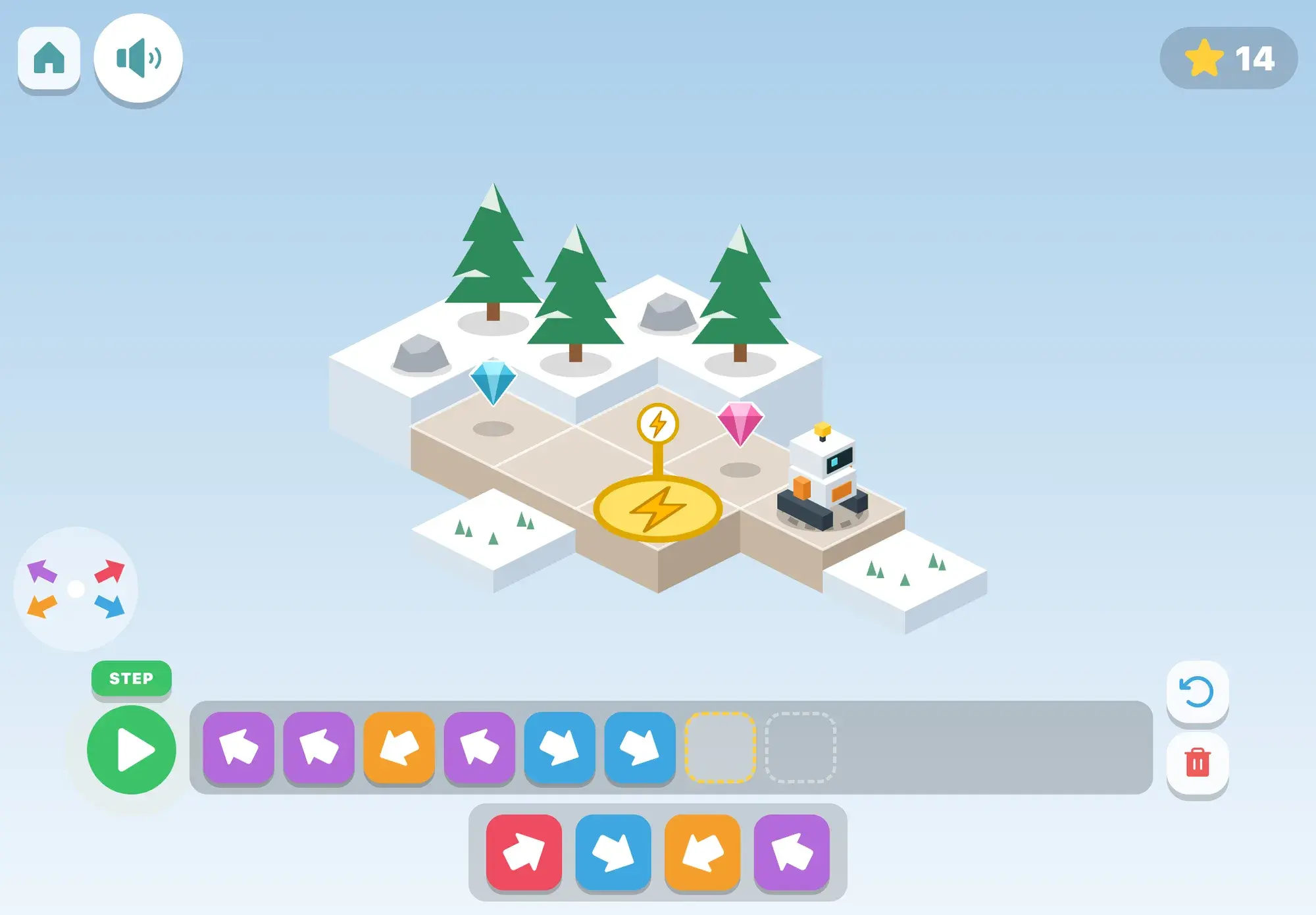
The robot is block coding for pre-readers. Beep the robot stands on an island of cubes, and a road leads to its charger. Your child builds a program from big arrow blocks, presses play, and Beep drives one square per block while the running block lifts and lights up. A step button runs one block at a time. If Beep would drive off the road it bumps, wobbles and stays put; the block that was running stays lit red, the voice says what happened (“Oops! There’s no road there.”), and Beep goes back to the start. After two runs that don’t get home, footprints show the way.
The game has ten rungs: a straight road, a corner, gems to collect, “fix it” (Beep runs a program with one wrong arrow), repeat blocks (the program strip is too short without one), stairs made of repeated steps, a water block for thirsty flowers, turns as Beep sees them, turns inside repeats, and a magic block, which is a function used three times with different steps in between. Every block says its name as it goes in (“Turn left!”, “Repeat!”). It opens from age 4.
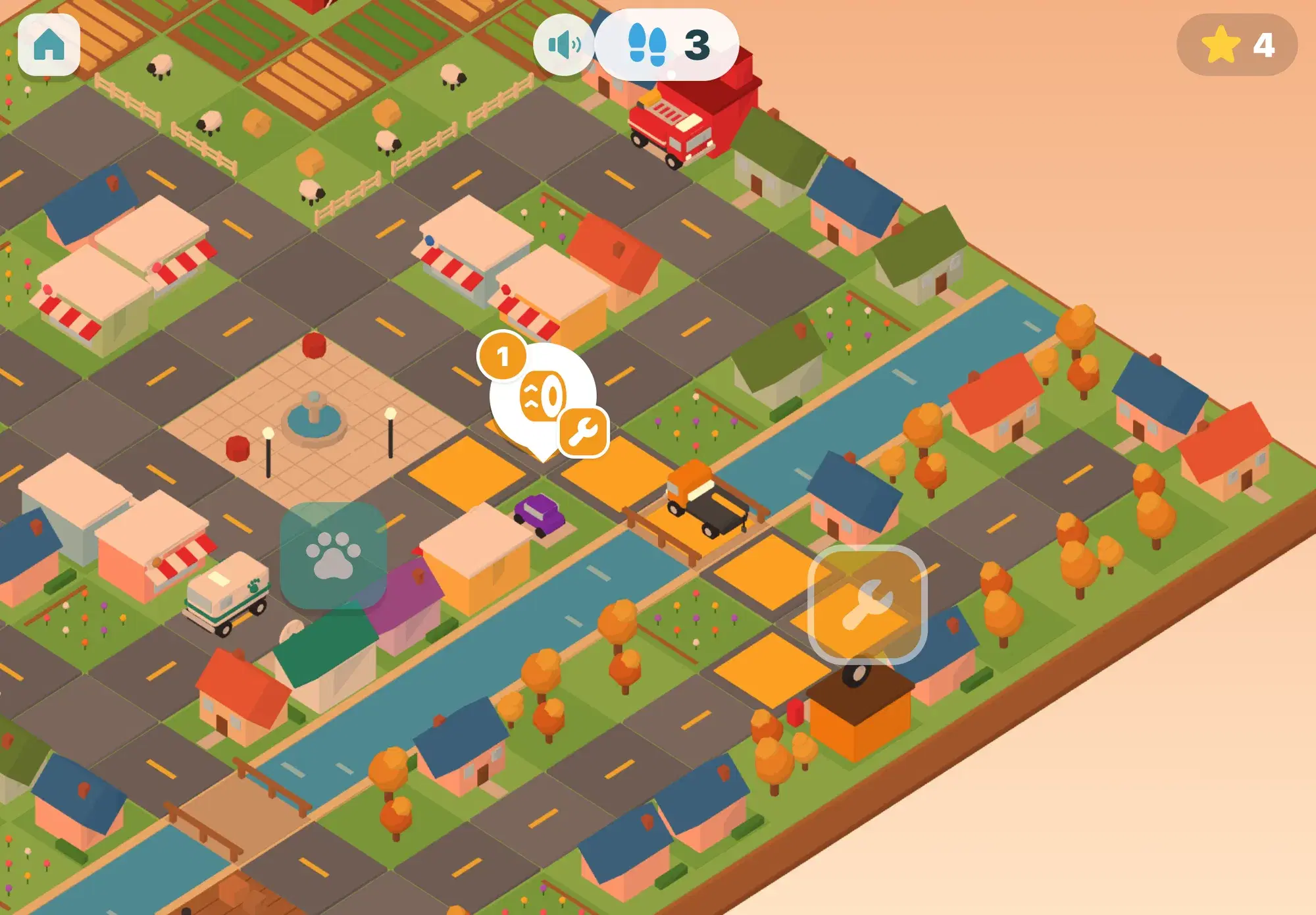
Coding also runs through other games. In Around the world, each new country is reached by a road trip: your child programs a puppy across a board with arrow blocks and repeat blocks, and from a later level with turn blocks, which get their own introduction stop. Helper Town uses the same ideas for planning routes: draw a helper’s way square by square, program it with arrows, then turns, and finally order a day of jobs so the helper drives the fewest squares. More games like these are collected under coding games for kids.