7 min read
How to choose a learning app for a preschooler: a 10-point checklist
A practical 10-point checklist for judging any learning app for a 3 to 6 year old who can’t read yet: ads, rewards, mistakes, privacy and more.
Read the guide
The bridge builder
Join the dots, send the truck across, and see what happens
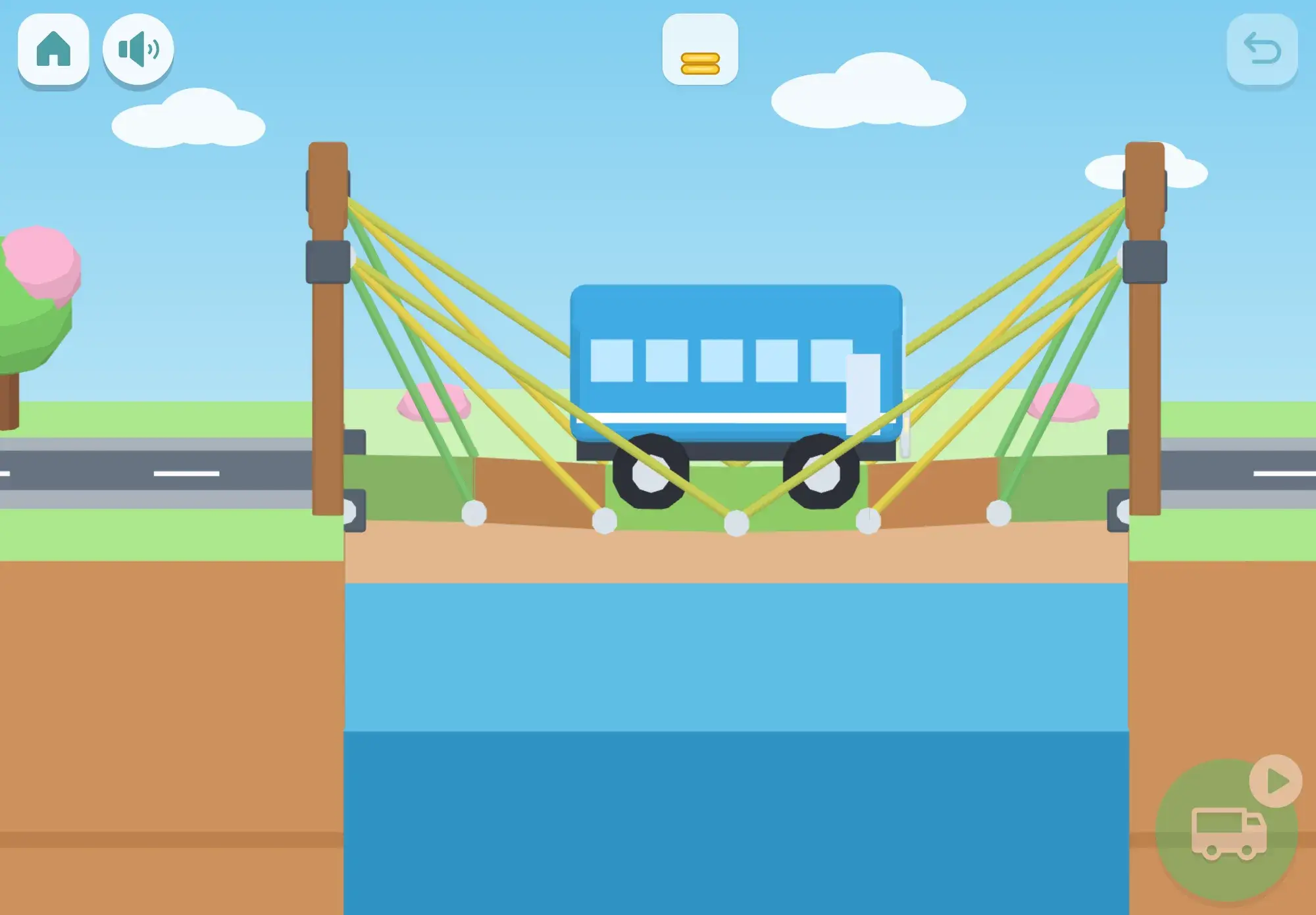
The bridge builder is a river seen from the side, with a vehicle waiting on the bank. Your child builds a bridge by tapping one dot, then another, and a piece goes between them: road planks along the road, wooden beams everywhere else, and later a choice of wood, steel or rope. Tapping a piece takes it away, and undo is always there. The pieces left are shown as a pile, never as a number.
Then they press the green button and watch. The truck drives across and every beam changes color with how hard it is working: green, then yellow, then red. If the bridge holds, there is a cheer, confetti and stars. If it doesn’t, it is funny, never sad: a beam gives way with a wooden “tock” and the truck drops softly into the river, floating on a red and white ring with a big splash.
Next, the moment it went wrong plays again in slow motion, with the piece that gave way blinking pink, and the voice gives one hint: “This one bent too much. Can you help it?” One tap on the hammer brings the bridge back as it was, ready to improve.
How it plays
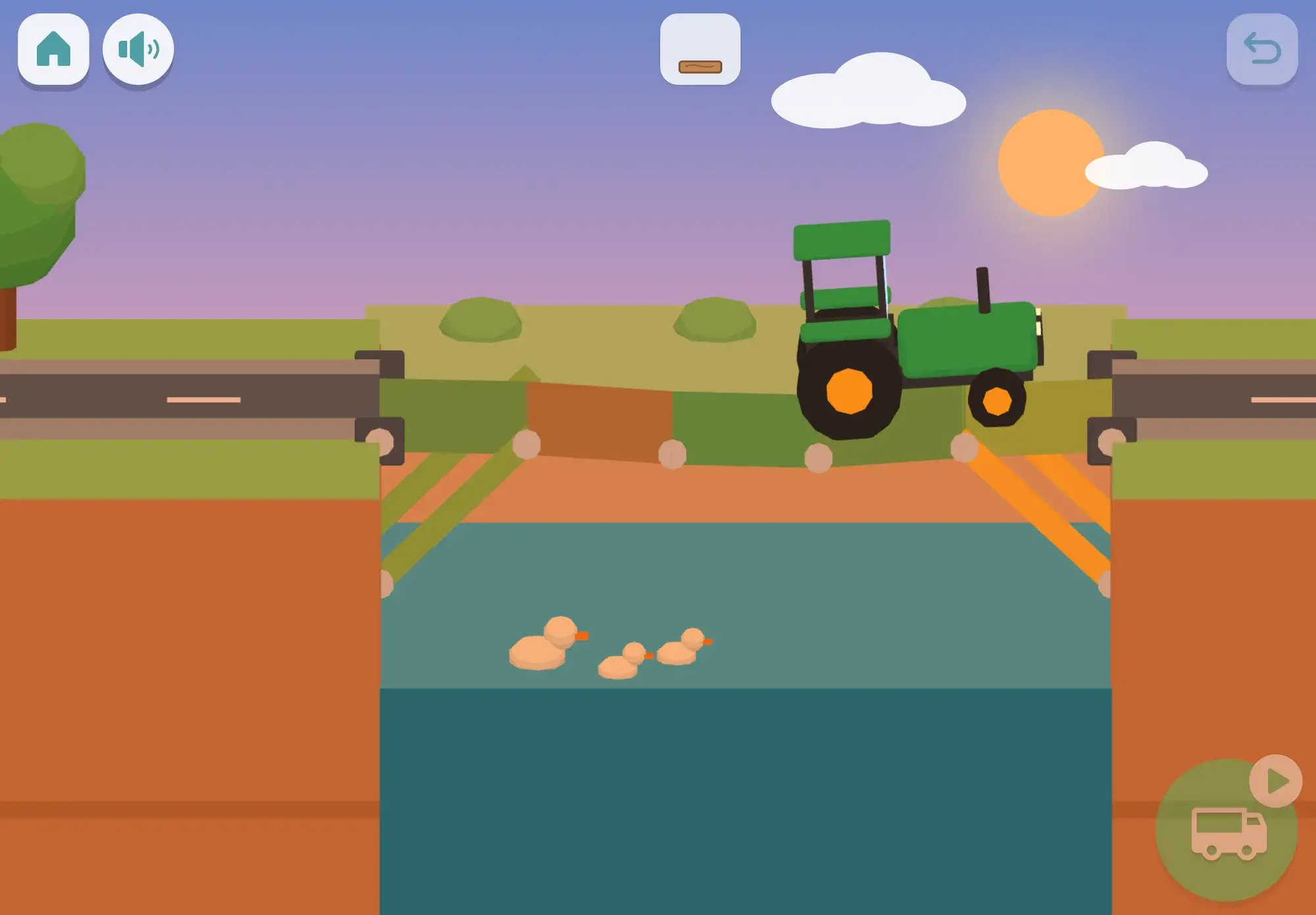
The first rivers are short, two or three planks wide, and a pointing hand shows the first two dots. Two road dots far apart lay planks all the way across. If there is still a hole, the truck just waits at the edge: “Beep beep! The road isn’t finished.”
A longer road of planks sags in the middle when the truck drives on, so your child adds a pillar standing on a rock in the river to hold it up. The rivers here are four to six planks wide, with one or two rocks in different spots, so the answer is never quite the same.
Now the big truck comes, three times as heavy as the little one. One pillar gets squashed (“This one got squashed”), so the bridge needs more legs. Some of these rivers have a rock under every plank; others have two rocks to build fans of beams from.
No rocks and only a few pieces. The way across is diagonal braces from the cliff, a triangle above the road, or fans of beams from both cliffs. A triangle of beams keeps its shape under the truck, which is why so many real bridges are full of them.
Wood costs two coins, steel three (strongest and heaviest), and rope one (it only pulls), with a coin budget to spend. Then come open rivers with cliffs, towers, a rock and a grid of dots, where many bridges work. On every river there is a star for crossing, one for using no more pieces than the reference bridge, and one for a big vehicle.
Skills
The thinking
The engineering design cycle (ask, imagine, build, test, improve) is part of the US science standards for children from kindergarten to second grade (NGSS K-2-ETS1, ages 5 to 8). Failure that is visible, harmless and tells your child something is the point of the game: the bridge always shows what went wrong, and the voice gives one idea for next time. Testing the same bridge again gives exactly the same result (“It’s the same bridge. Will it do the same thing?”), so a child can learn what each change does.
Praise is for the trying, not for being right first time: “You tried a new way!” and “You kept trying, and you did it!” Process praise from parents of toddlers predicted children’s belief at seven to eight that ability grows with effort (Gunderson et al. 2013), and babies who watched an adult try hard at something persisted longer themselves (Leonard, Lee & Schulz 2017). To be honest about it: those studies are about how adults praise and what children see, not about this game, and nobody has shown that a bridge game builds persistence in general. What it can do is make testing and improving fun and safe to practice.
Away from the screen
Ideas to carry the game into everyday life, no screen needed.
Lay a sheet of paper between two books and see how many coins it holds. Then fold it into a zigzag and try again.
Make a square and a triangle from straws and tape, press on the corners, and feel which one keeps its shape.
On walks, look at real bridges together and spot the pillars, triangles, arches and cables.
When something your child builds falls down, borrow the game’s questions: “What gave way? What could we try?”
FAQ
It opens from age 5, based on your child’s birth month, and a parent can show it earlier or hide it. The design cycle it practices is part of US science standards from kindergarten.
The falls are made to be funny, with a splash and a float ring. One hint points at the weak piece, and after three tests that didn’t work, a glowing helper piece waits at the weak spot, ready to tap in.
A bridge still counts as clean with one test that didn’t work, because trying things out is part of building.
It is simplified and tuned for clear outcomes rather than realism: long roads sag, and pillars and triangles help the way a child expects. The same bridge always does the same thing, so cause and effect are easy to see.
No. The pieces left are shown as a pile, and later as a pile of coins, never as a written number.
Guides
A practical 10-point checklist for judging any learning app for a 3 to 6 year old who can’t read yet: ads, rewards, mistakes, privacy and more.
Read the guide
Easy STEM activities for 3 to 6 year olds: build bridges, dig and pour, look through a magnifier, grow plants and race cars down ramps.
Read the guide
More to explore
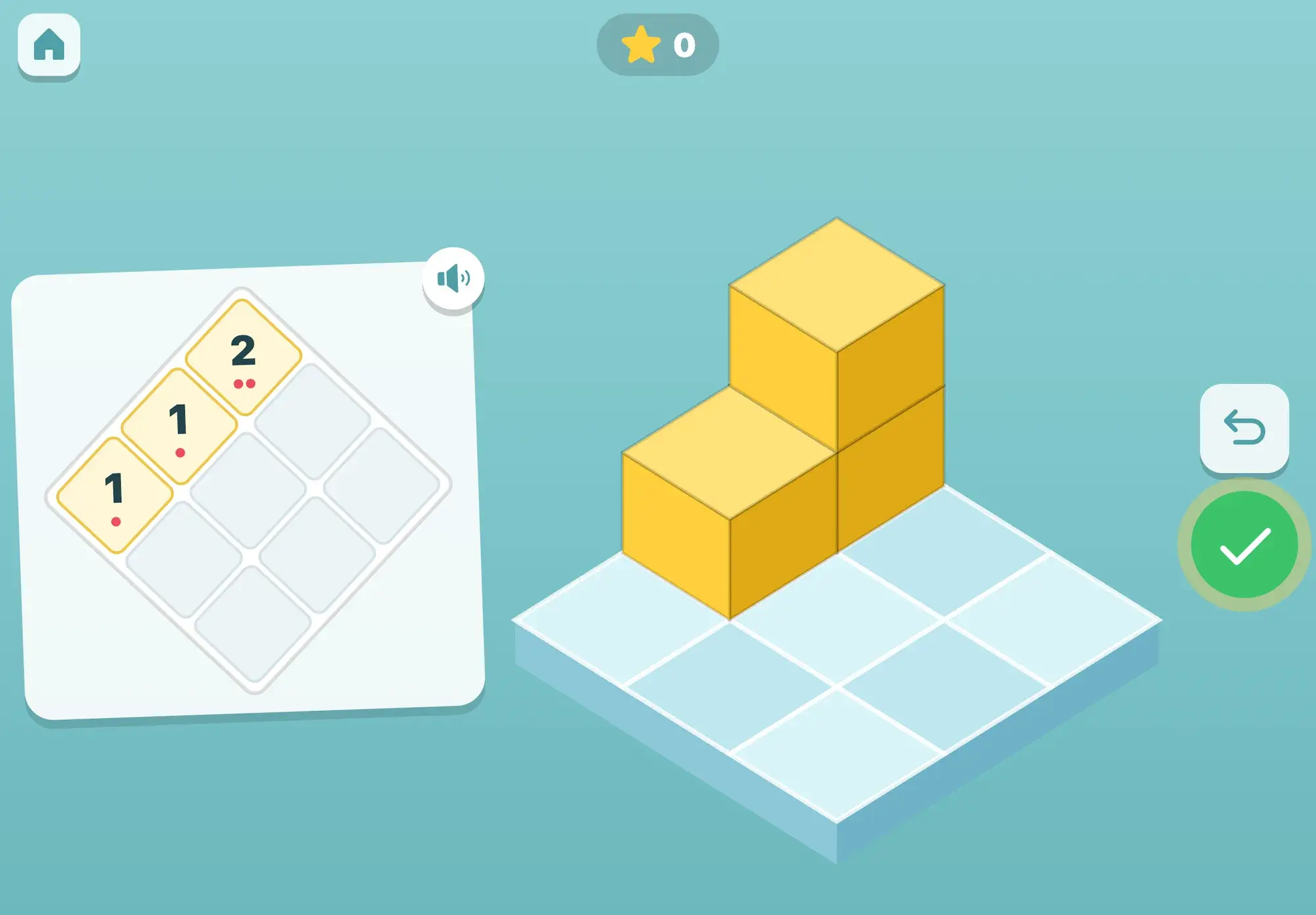
Copy the build, then build what the puppy’s camera sees from the other side
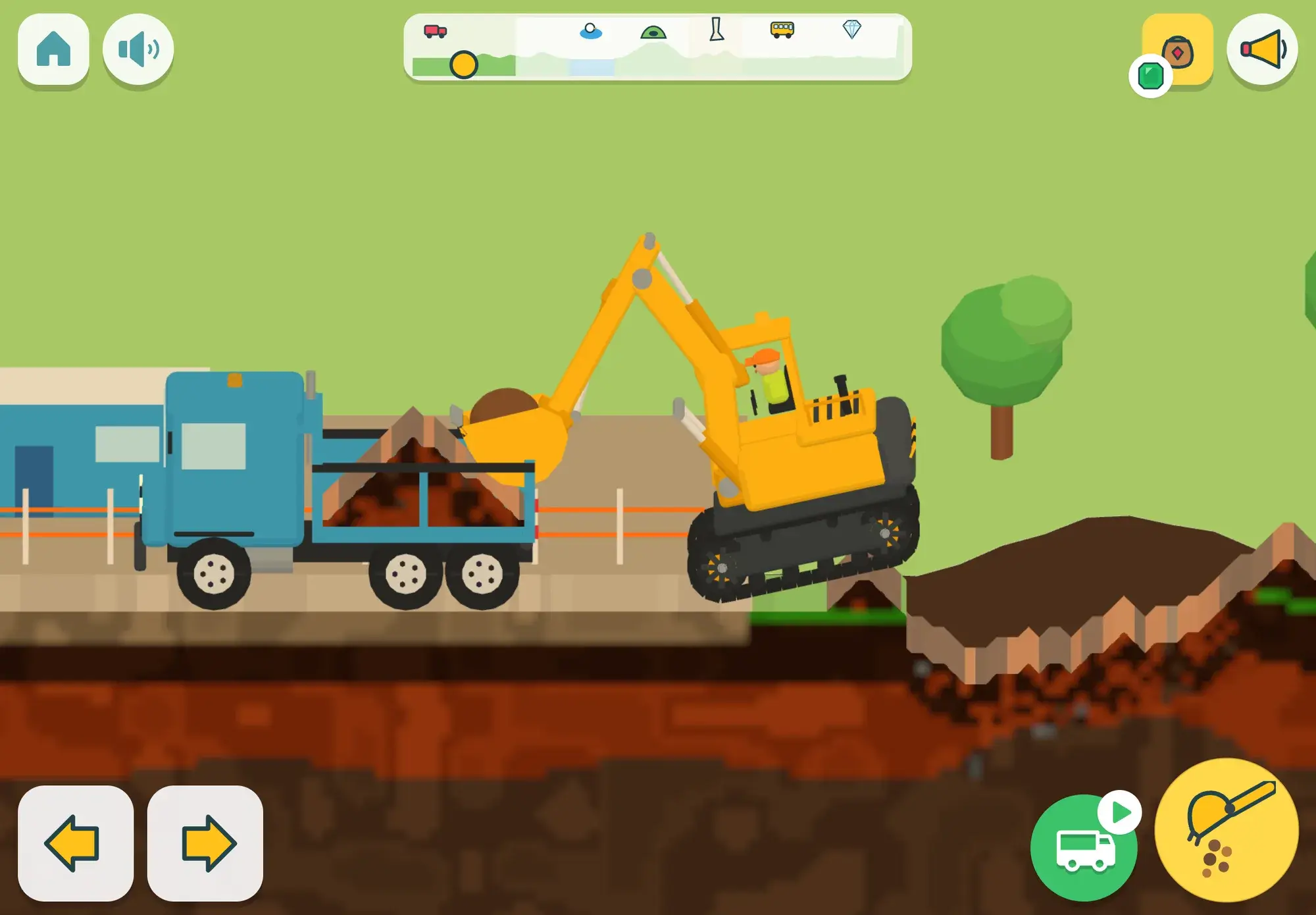
A digger to drive yourself, a world to explore, and no levels at all.
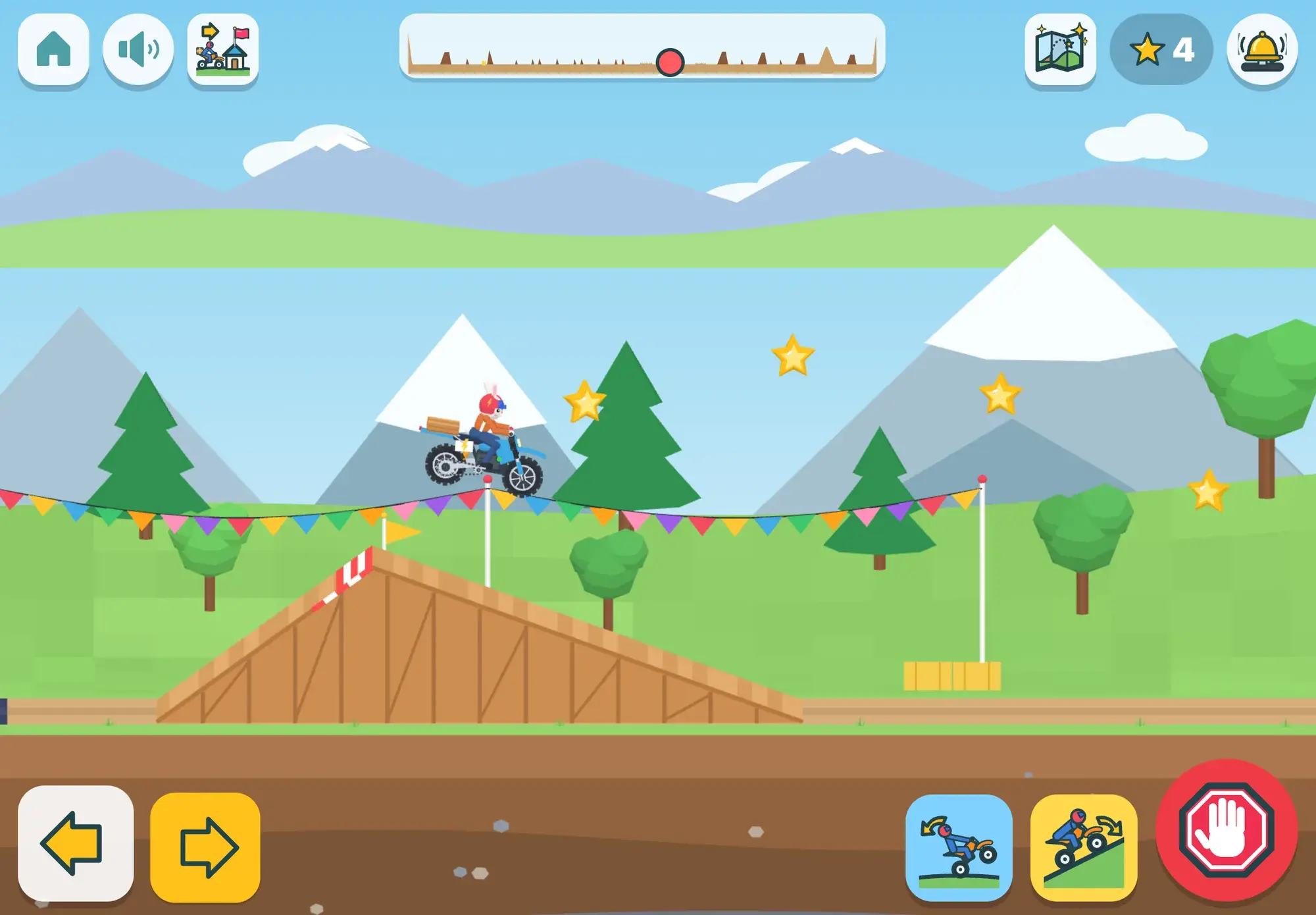
Deliveries by electric dirt bike, and the science of motion in every hill and jump.
Spoken from the first tap, no reading needed, no ads, and progress that stays on your iPad.