7 min read
Coding for kids who can’t read yet: screen-free and app ideas
How 3–6-year-olds can learn sequencing, debugging, loops and functions before they read, with floor games, arrow cards, robot play and picture-based apps.
Read the guide
The robot
Picture blocks, a robot that bumps but never breaks, and a road home.
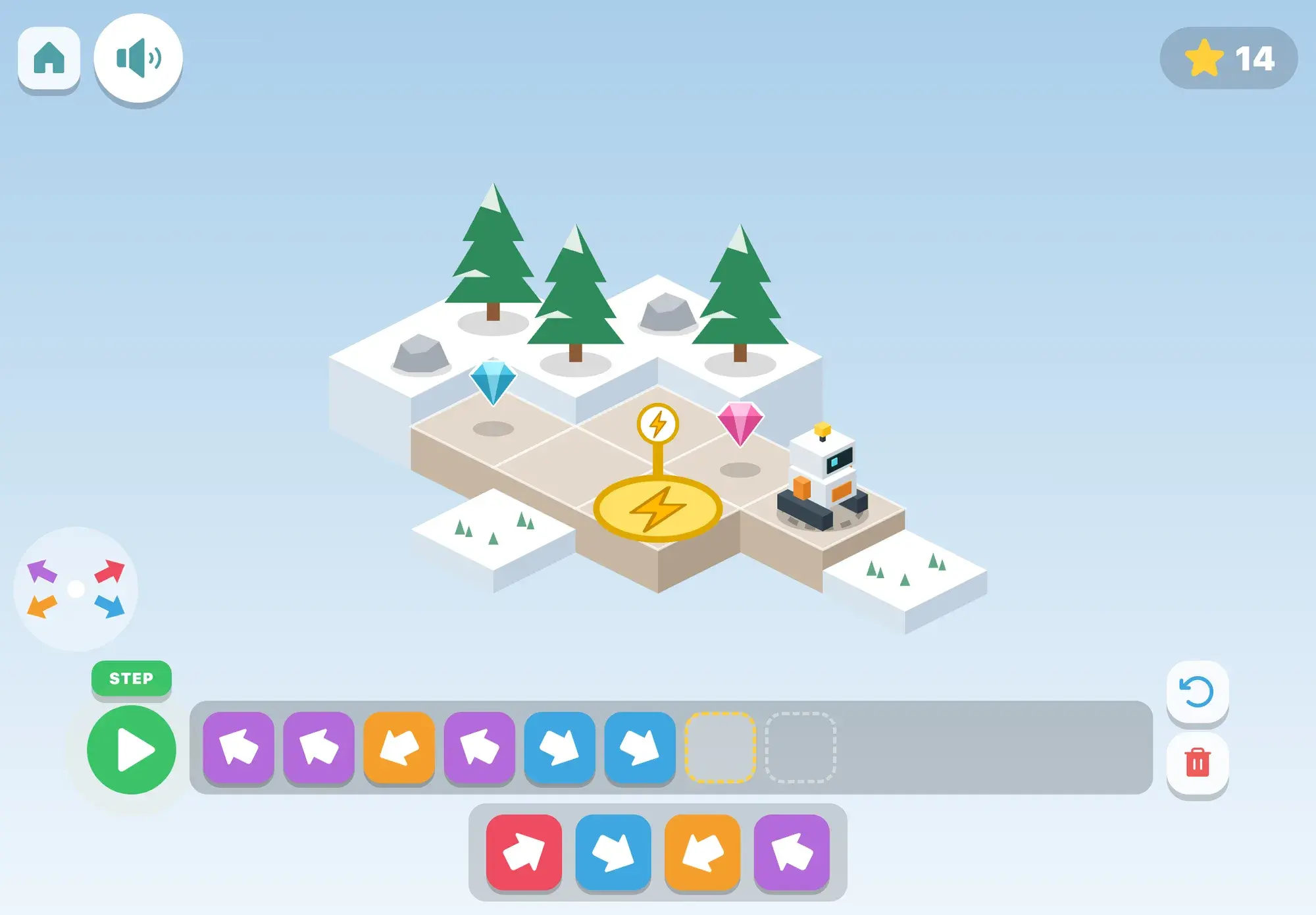
Beep the robot stands on an island of cubes, and a road of light cubes leads to its charger, a yellow pad with a lightning bolt. Your child builds a program from big chunky blocks at the bottom of the screen, one arrow for each square Beep should drive, and presses the green play button. Beep drives one square per block, and the block that is running lifts and lights up, so your child can see exactly which step Beep is on.
When a program goes wrong, nothing scary happens. If Beep would drive off the road it bumps, wobbles and stays put, the block that was running stays lit red, and the voice says what happened: “Oops! There’s no road there.” Beep goes back to the start, and your child fixes the program by tapping the wrong block and then the right one.
Blocks can be tapped in or dragged, a program never has gaps, and a step button runs it one block at a time.
How it plays
The first roads are two to four squares in a straight line. Then comes one corner, often with the road carrying on past it, so the turn has to be found. Next, gems to pick up on the way, sometimes up a side road and back. The round is won the moment Beep is on the charger with every gem collected.
“Watch what Beep does!” Beep runs a program with one wrong arrow in it, and the wrong block lights red where Beep bumped. Your child takes it out and puts the right one in. Finding and fixing a mistake like this is called debugging, and it is as much a part of programming as writing the steps.
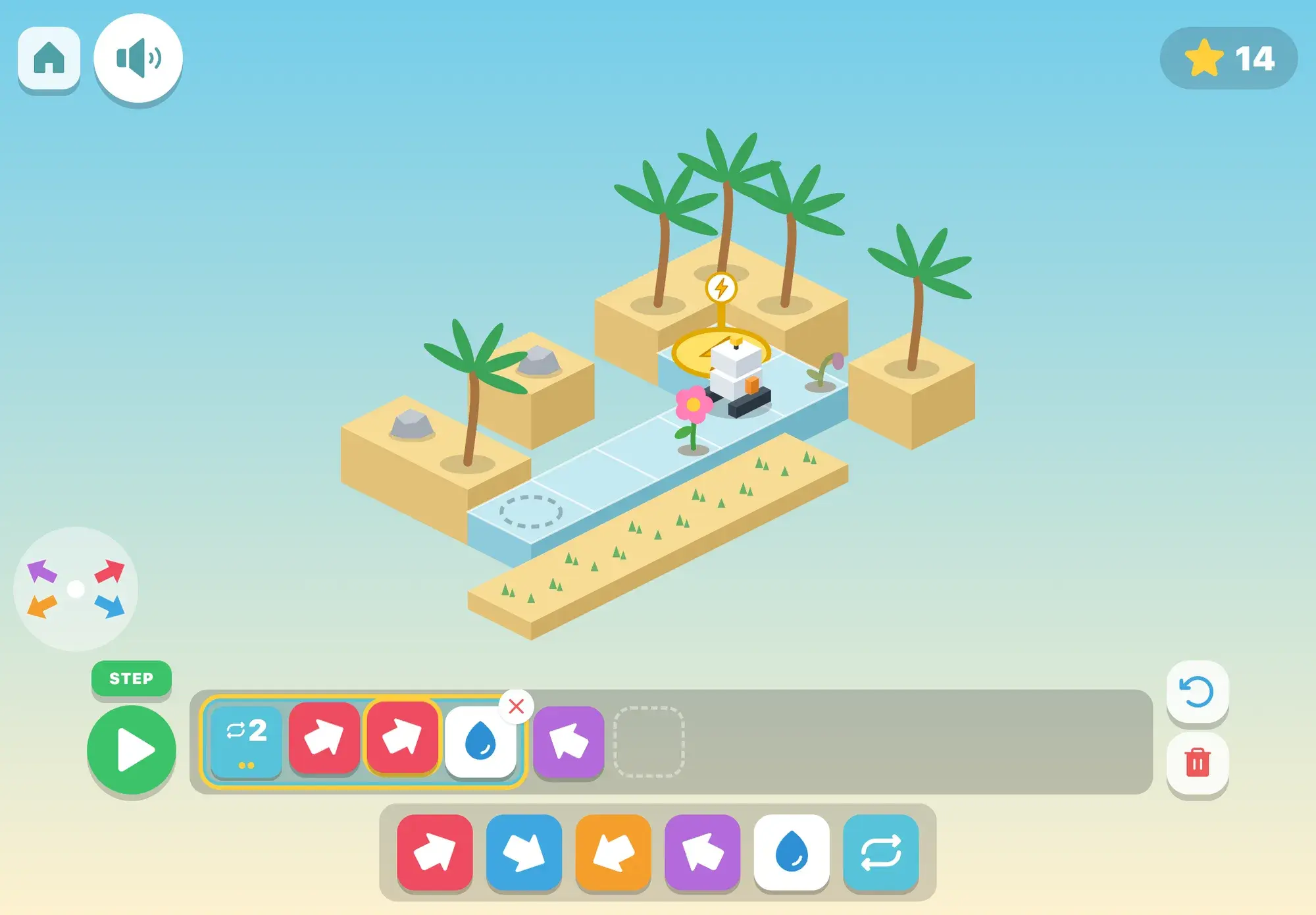
On a long straight road the program strip is too short for all the arrows, so the repeat block is really needed. Tapping its number counts on (“Four times!”), and little dots under it light up as it runs. Then come stairs, with two or three arrows inside the repeat block and a gem on every step.
Thirsty flowers wait on the road, and the water block waters the one Beep is standing on. First it is used on its own, then inside a repeat block, so the program becomes a pattern your child can see and say out loud: drive, water, drive, water.
Now there are only three blocks: forward, turn left and turn right, from Beep’s point of view. A green arrow on the ground shows which way forward is. Later Beep starts facing across the road, so the first block has to be a turn, and then come squares, stairs and spirals made of turns inside a repeat block.
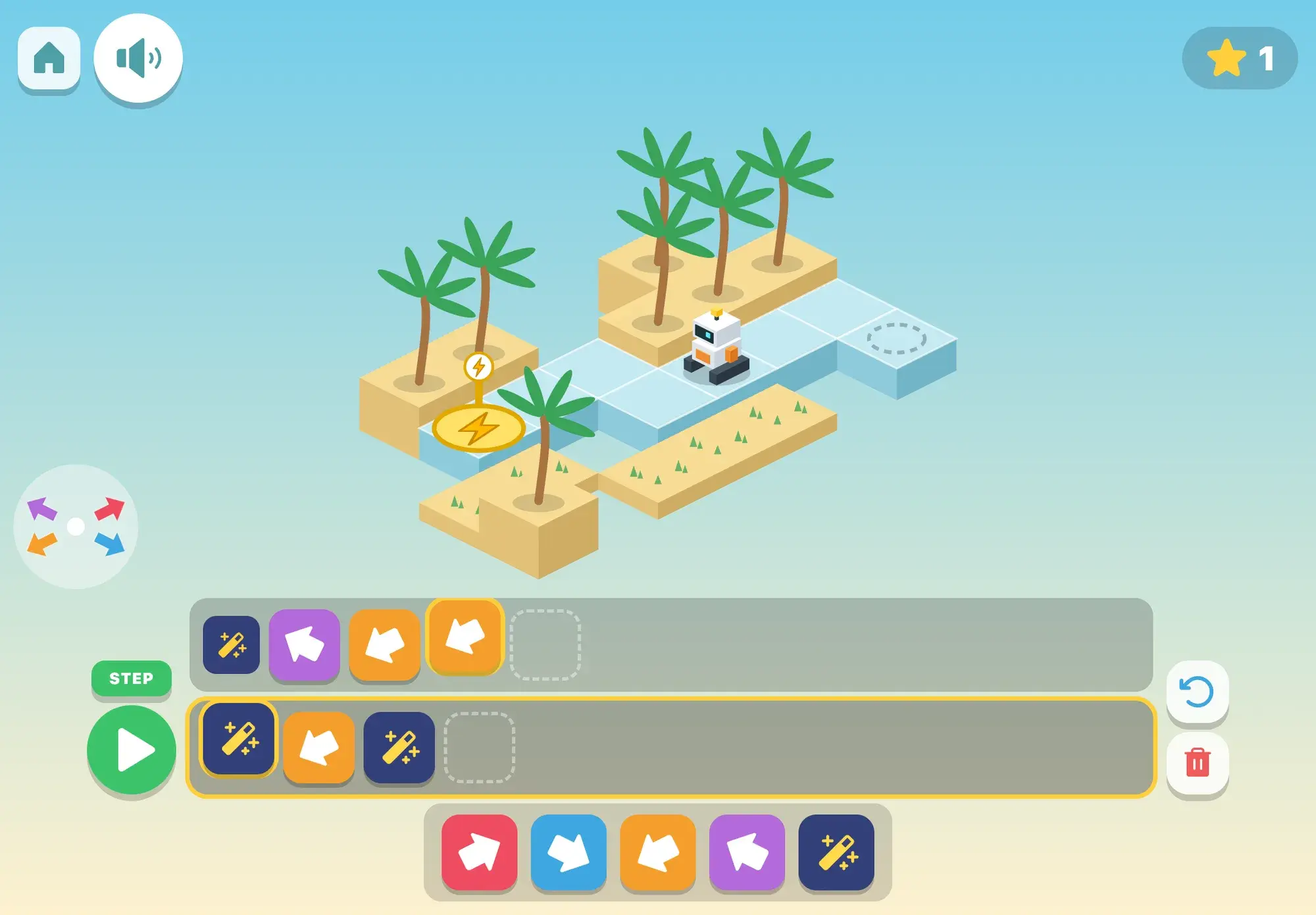
A second strip at the top holds the magic wand. Blocks placed there run every time the program reaches a magic block, which programmers call a function: steps written once and used again. The road needs them three times with different steps in between, so a repeat block can’t do the job.
Skills
The thinking
At this age, programming is mostly sequencing (putting steps in order and predicting what they do) and debugging. Block and robot programming in kindergarten has been found to improve sequencing (Kazakoff, Sullivan & Bers 2013; Bers et al. 2014). Repeat with a number is within reach for many five-year-olds. Conditionals, the “if this, then that” of programming, are harder, so they are left out.
Turns as the robot sees them ask your child to imagine facing the way Beep faces, so they come only after arrows that point the way they go on screen. Every road is made fresh, and on the repeat and magic steps the strip is too short for any program without the new block, so the new idea is really needed rather than just shown.
Away from the screen
Ideas to carry the game into everyday life, no screen needed.
Play robot: your child gives you commands (“forward, forward, turn left”) to walk you to the sofa, then swap.
Draw a road of squares in chalk outside, put a toy at the end, and lay out arrow cards to get there.
Look for repeats in everyday life: stairs are “step up” again and again, and a song may have the same chorus three times.
When a block tower falls, talk it through like Beep’s red block: which step went wrong, and what would fix it?
FAQ
They can learn its core ideas: putting steps in order, predicting what will happen and fixing a mistake. The game opens from age 4 in the town. Arrows that point the way they go on screen come first, and turns from Beep’s point of view and the magic block come only after the earlier steps go well.
No. Every block is a picture, its name is said as it goes in, and the voice explains each new step the first time (the speaker button says it again).
Beep bumps and stays put, the wrong block stays red, and Beep goes back to the start. After two runs that don’t get home, white footprints show the way. After three, a working program is put in the strip and your child presses play to watch it, and the next round is a step easier.
The step your child is on (you can change it), and for the last ten rounds how many worked on the first run, used no more blocks than needed, or were stepped through one block at a time.
Guides
How 3–6-year-olds can learn sequencing, debugging, loops and functions before they read, with floor games, arrow cards, robot play and picture-based apps.
Read the guide
More to explore
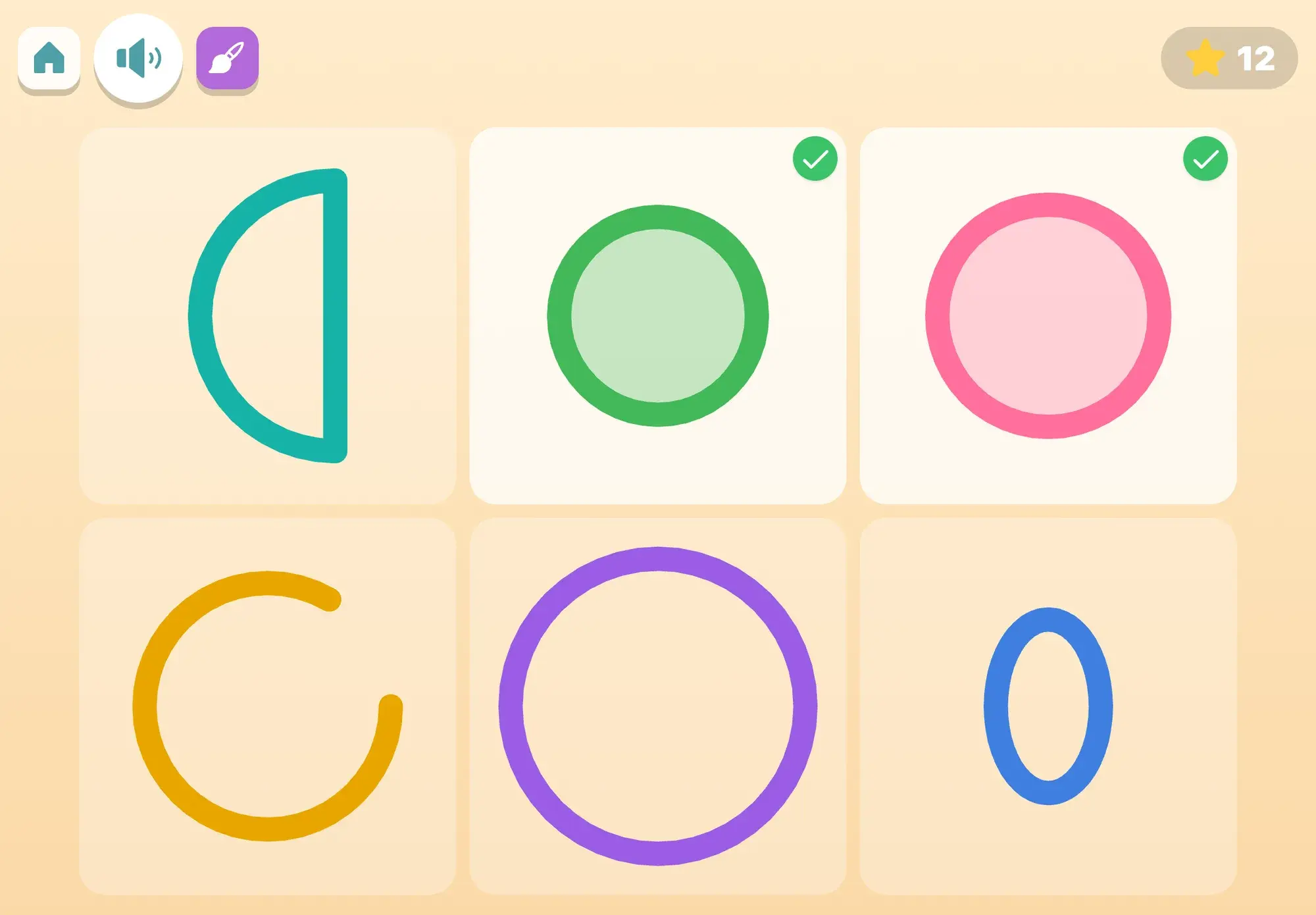
Six colored shapes, a tap to turn them, and pictures that can always be finished.
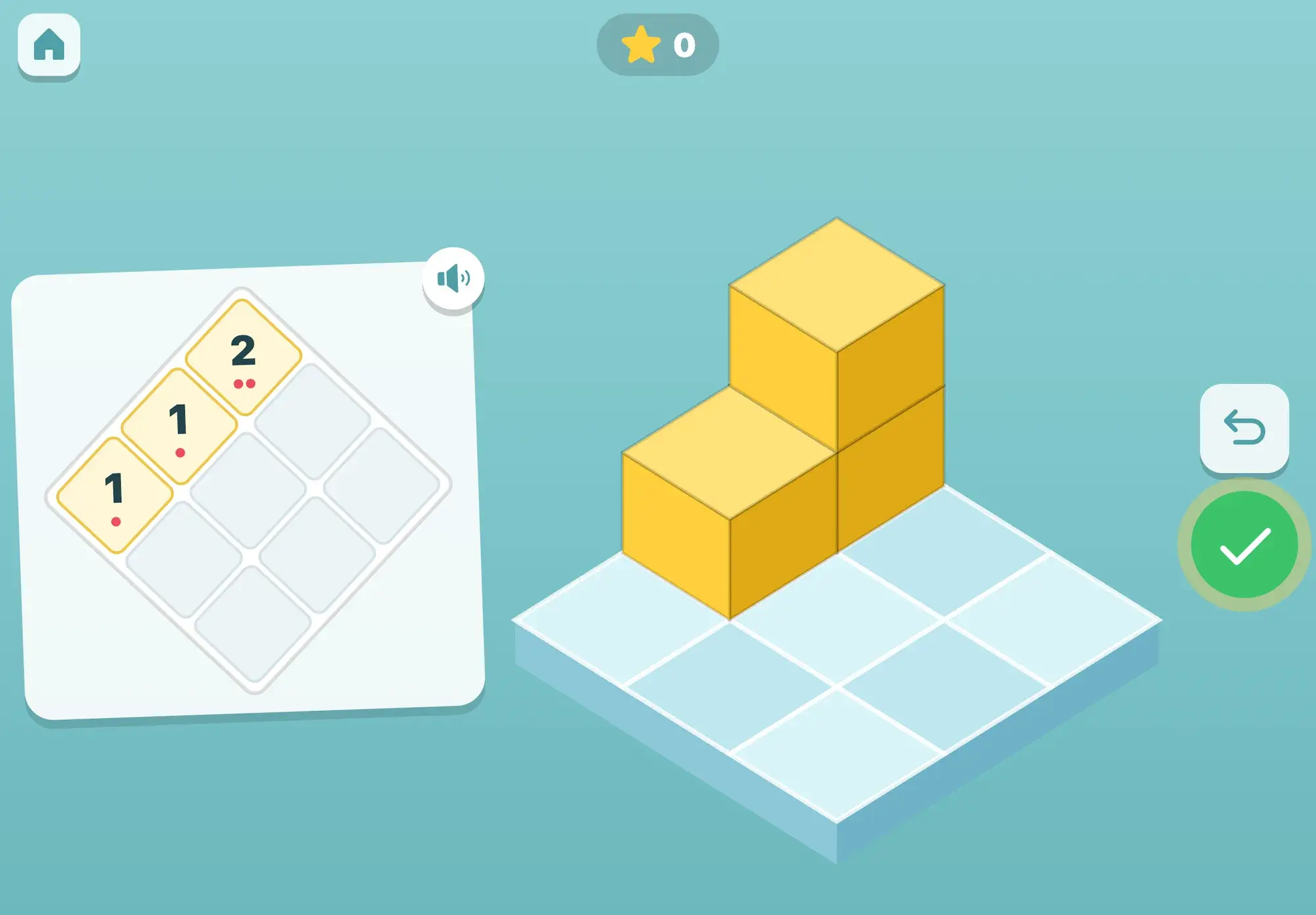
Copy the build, then build what the puppy’s camera sees from the other side
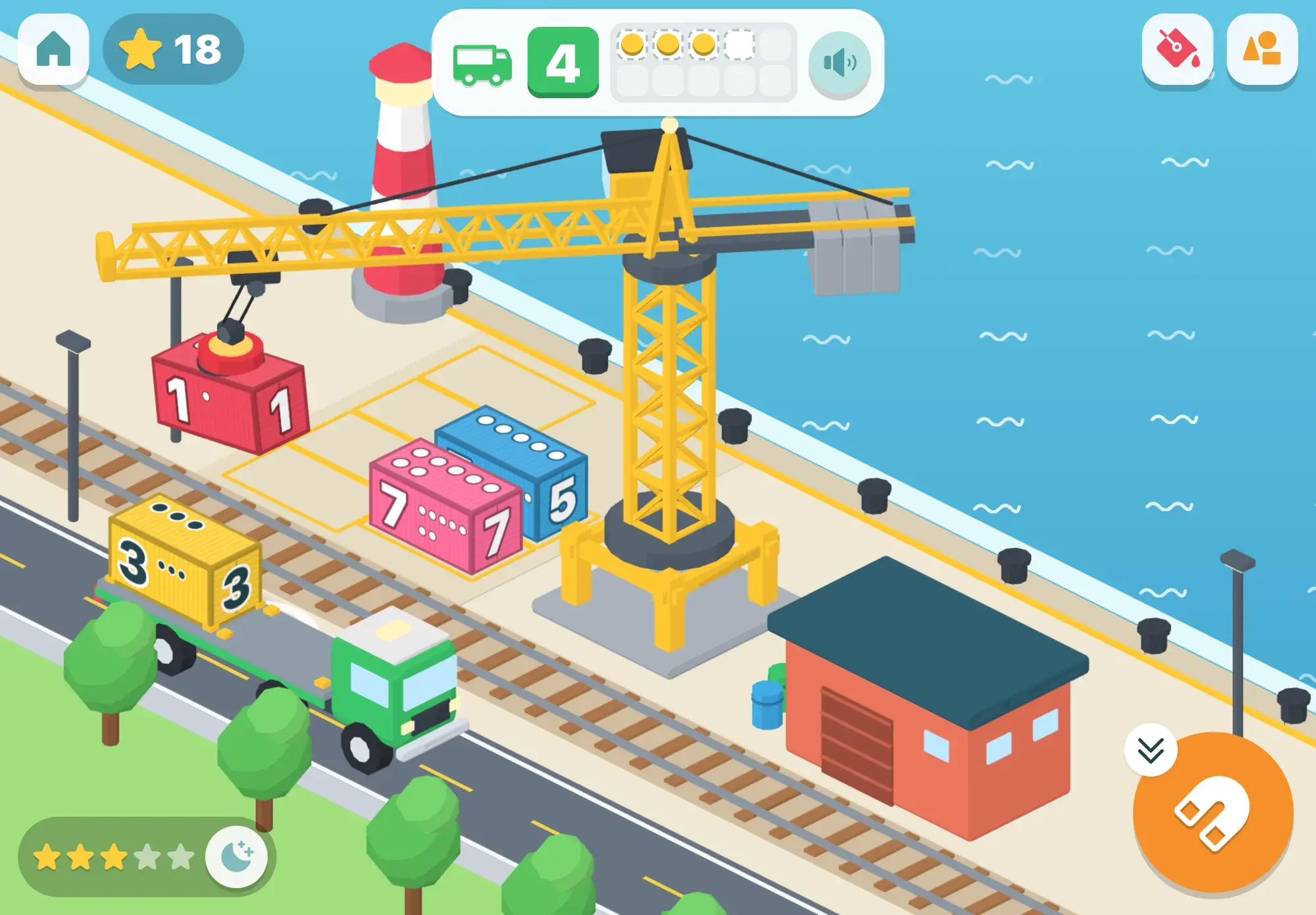
Spoken from the first tap, no reading needed, no ads, and progress that stays on your iPad.