Coding games for kids who can’t read yet
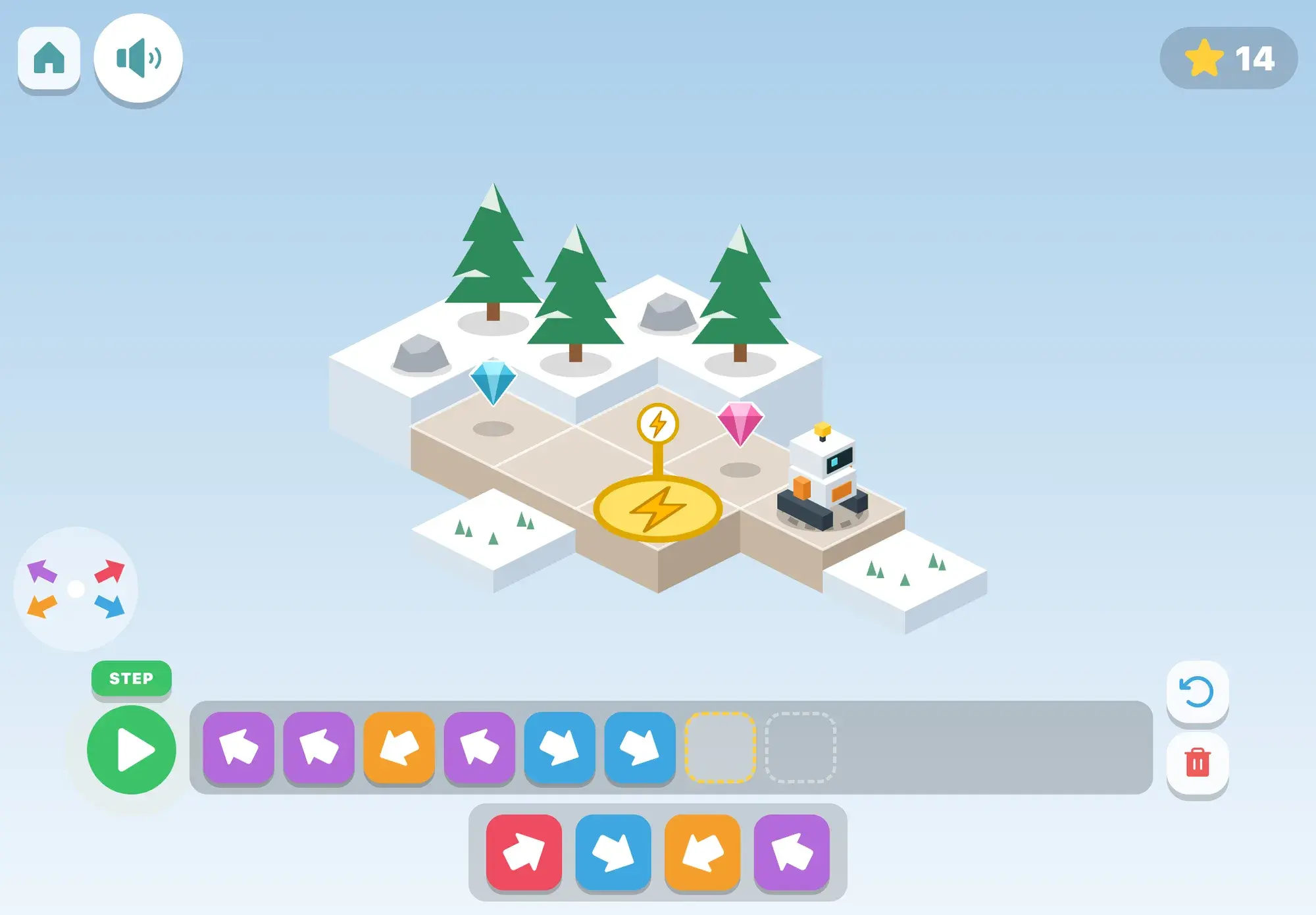
Programming at this age means planning a sequence of steps, running it, and fixing what went wrong. There is no typing and no reading. Maestri World teaches it with arrow blocks that a child lines up and then runs to see what happens.
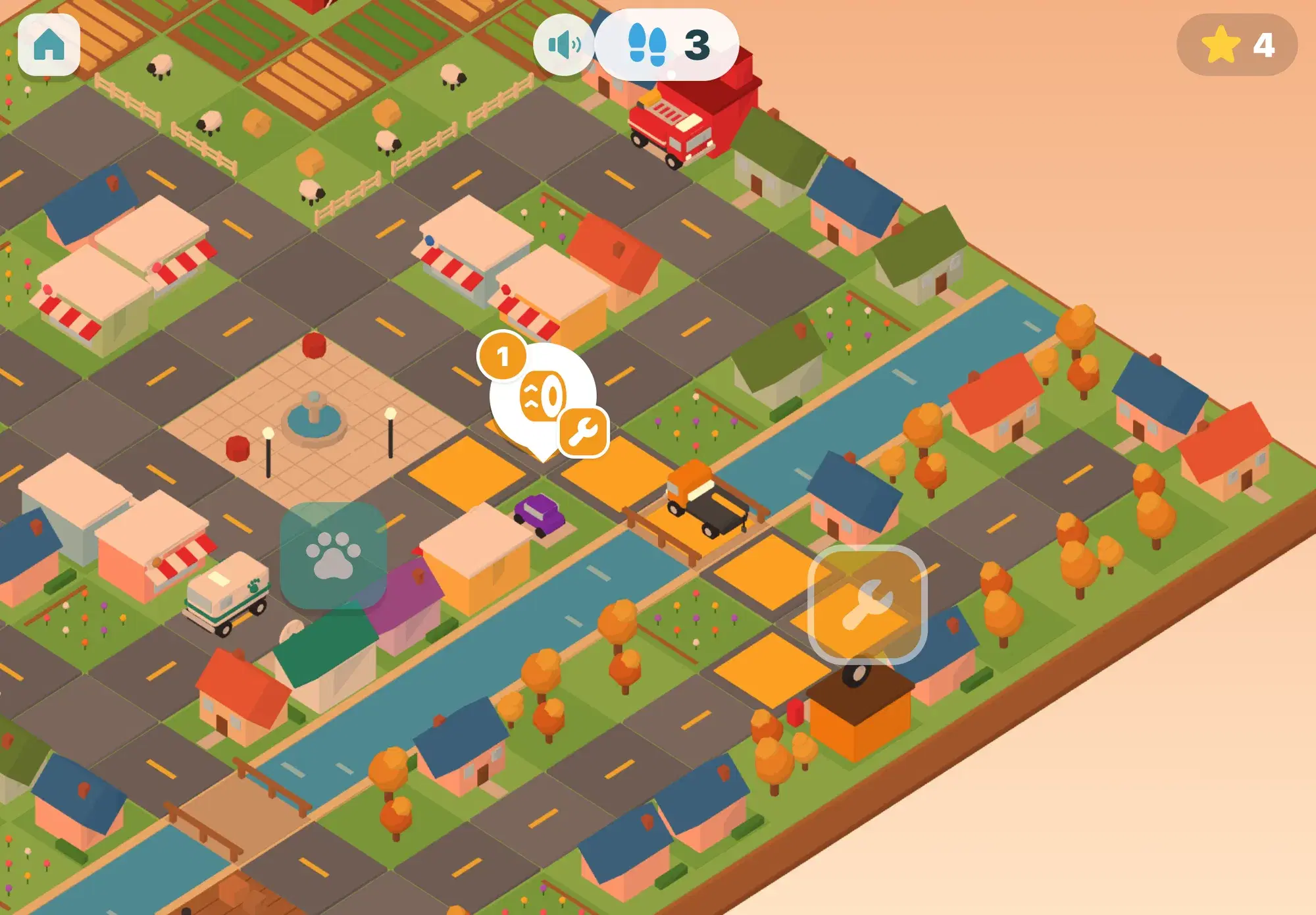
In the robot game, children drive Beep the robot to its charger on a little island, then learn to fix a broken program, use repeat blocks and a water block, turn the way the robot sees it, and build a magic block, which is a simple function. The trip around the world has a road-trip puzzle where children program the drive to the next country, and Helper Town asks them to plan a rescue vehicle’s way across town.
3 coding games in Maestri World
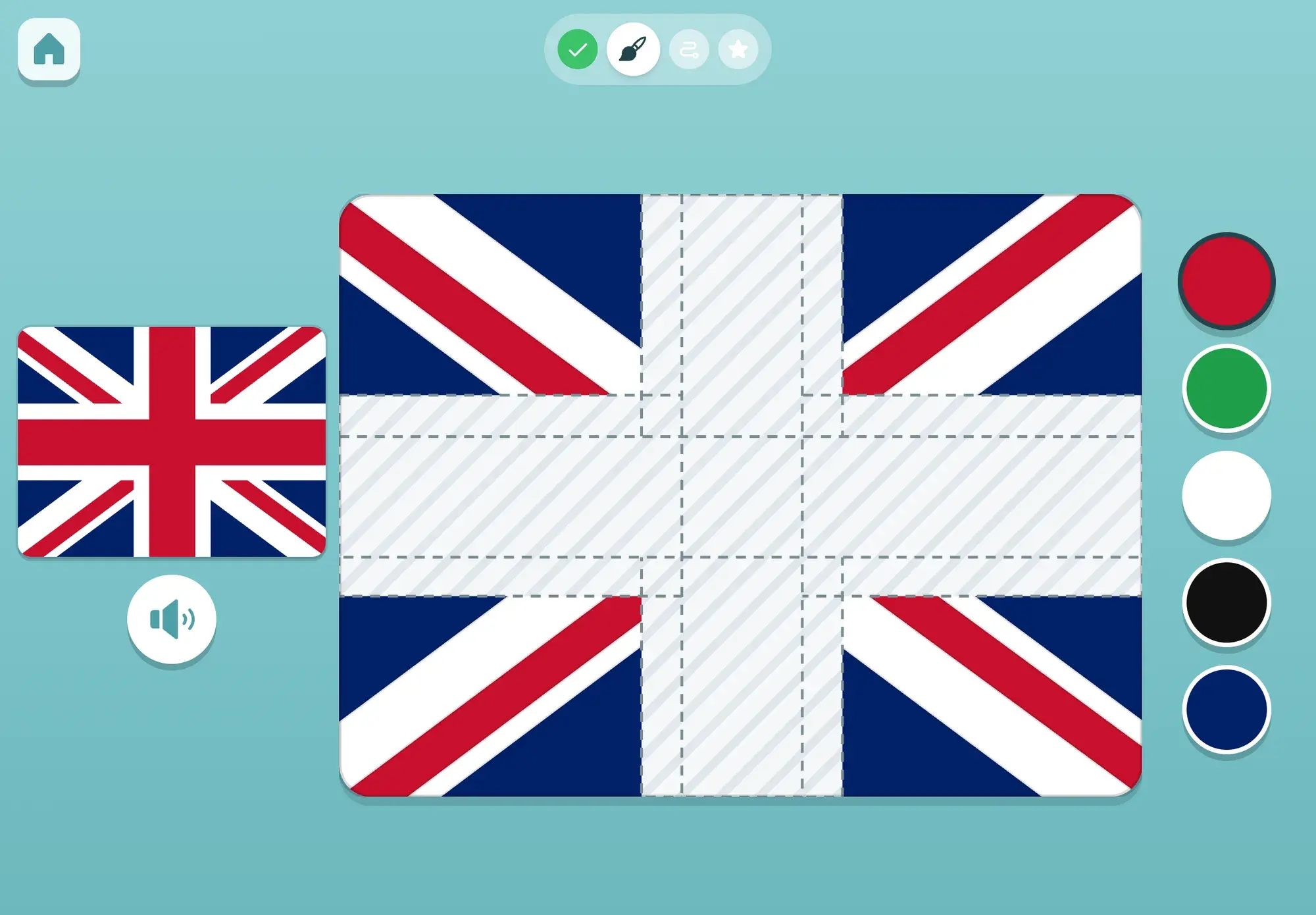
Meet a country, paint its flag, drive there, and earn a passport stamp
Ages 3–6GeographyCoding
Skills
What kids practice
- Breaking a route into steps and putting them in order.
- Predicting what a program will do before running it.
- Finding and fixing the step that went wrong (debugging).
- Spotting repetition and using a repeat block (a loop).
- Turning left and right from the robot’s point of view, not their own.
- Packing a few steps into one magic block (a function).
Away from the screen
Try it at home
Be the robot: your child gives you step-by-step directions to the kitchen, and you follow them exactly.
Lay paper arrows on the floor as a path for a toy car.
Write a “program” for brushing teeth as picture cards and put them in order.
7 min read
Coding for kids who can’t read yet: screen-free and app ideas
How 3–6-year-olds can learn sequencing, debugging, loops and functions before they read, with floor games, arrow cards, robot play and picture-based apps.
Read the guide
FAQ
Questions parents ask
Can a 4-year-old really learn to code?
Not code as adults write it, but the thinking underneath: steps in order, predicting, and fixing mistakes. Arrow blocks make that possible before reading.
What happens when my child’s program doesn’t work?
The robot does exactly what the blocks say, so the child sees where it went off course and changes that block. Fixing a program is part of the game, not a failure.
A whole town of learning, ready when your child is
Spoken from the first tap, no reading needed, no ads, and progress that stays on your iPad.